How to Stop Back and Forth Emails When Scheduling Meetings
By Your Calendar Team
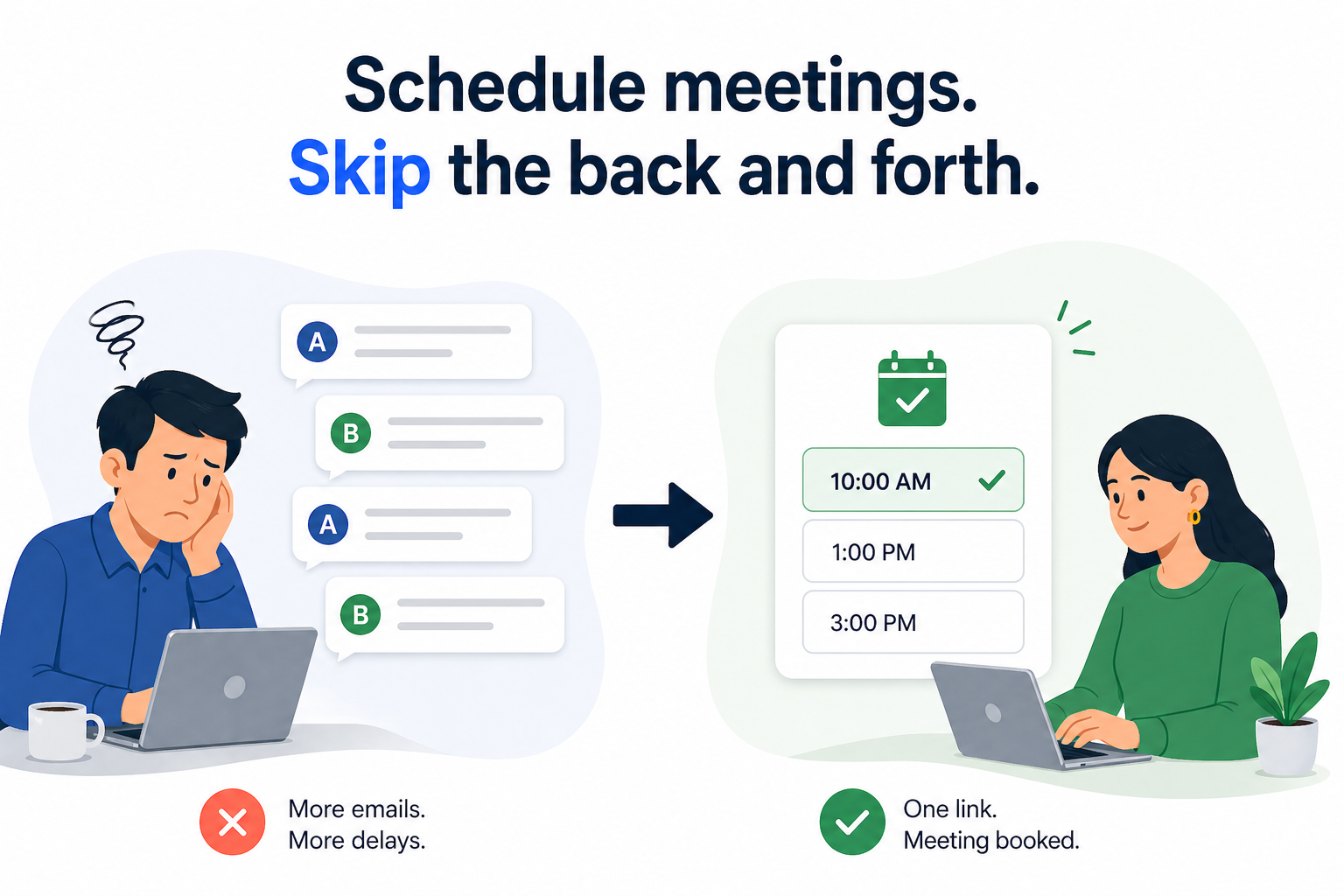
If you are tired of back and forth emails when scheduling meetings, you are not alone.
Booking a simple call can turn into a long thread of messages. One person suggests a time, the other cannot make it, and the process repeats. What should take a minute ends up taking several emails and unnecessary delays.
The good news is that this problem is easy to fix once you change how you approach scheduling.
Why scheduling meetings turns into endless email threads
The issue is simple. You can see your calendar. The other person can see theirs. Neither of you can see both at the same time.
So instead of picking a time, you end up negotiating one.
This gets worse when:
- calendars are busy
- people are in different time zones
- more than two people are involved
The result is the same every time. Too many emails for something that should be quick.
Why open ended scheduling questions slow everything down
A lot of the problem comes from one question:
“When are you free?”
It sounds helpful, but it puts all the work on the other person. They have to check their calendar, think through options, and suggest something back.
That creates delay and often leads to more back and forth.
A better approach is to make the next step clear and easy.
How to schedule meetings without back and forth emails
There are a few simple ways to avoid long email threads when booking meetings.
1. Use a scheduling link
This is the most effective option.
Instead of asking for availability, send a link where people can choose a time that works for them based on your real availability.
Tools like YourCalendar make this simple. You share one link, and the meeting gets booked without the usual back and forth.
2. Offer specific time slots
If you are not using a scheduling tool, avoid open questions.
Instead of asking when someone is free, give them options:
“I can do Tuesday between 10 and 12, or Thursday between 2 and 4. Would either work?”
This reduces friction and makes it easier to reply quickly.
3. Set clear meeting windows
If your schedule is full, it helps to define when you take meetings.
For example:
- external calls in the afternoon
- internal meetings on certain days
- mornings reserved for focused work
Once you have consistent availability, scheduling becomes much easier.
4. Use tentative calendar holds
For urgent meetings, suggest a time and place a temporary hold in your calendar.
This gives the other person something concrete to respond to instead of starting from scratch.
5. Use email to confirm, not to negotiate
Email is useful for confirming details. It is not the best tool for figuring out availability.
If you regularly book meetings, using a system or tool will save time and reduce unnecessary messages.
Common mistakes when scheduling meetings
Even small habits can create more back and forth than needed.
Some of the most common mistakes include:
- asking open ended questions about availability
- suggesting one time at a time instead of multiple options
- not considering time zones upfront
- relying only on email instead of using a scheduling tool
Fixing these alone can cut down a lot of unnecessary communication.
A simpler way to book meetings
If you want to avoid back and forth emails completely, the easiest solution is to let people book time directly into your calendar.
With YourCalendar, you can share your availability in one link and let others choose a time that works for them. No long threads. No confusion. No double booking.
You can try it at yourcalendar.co.
FAQ about scheduling meetings
Why do scheduling emails take so long?
Because both people are trying to manually compare calendars, which leads to repeated messages and delays.
Is it better to send a booking link or suggest times?
A booking link is usually faster, but suggesting two or three time slots also works well.
How do you schedule meetings across time zones?
Use a scheduling tool that automatically adjusts times based on each person’s location.
Are scheduling links unprofessional?
No. In most cases they make booking easier and save time for everyone involved.
Final thoughts
If scheduling a meeting takes several emails, the process needs to change.
A small shift in how you book meetings can save time, reduce friction, and make things easier for everyone involved.
Start by offering clear options or using a scheduling link. It is one of the simplest improvements you can make to your daily workflow.